
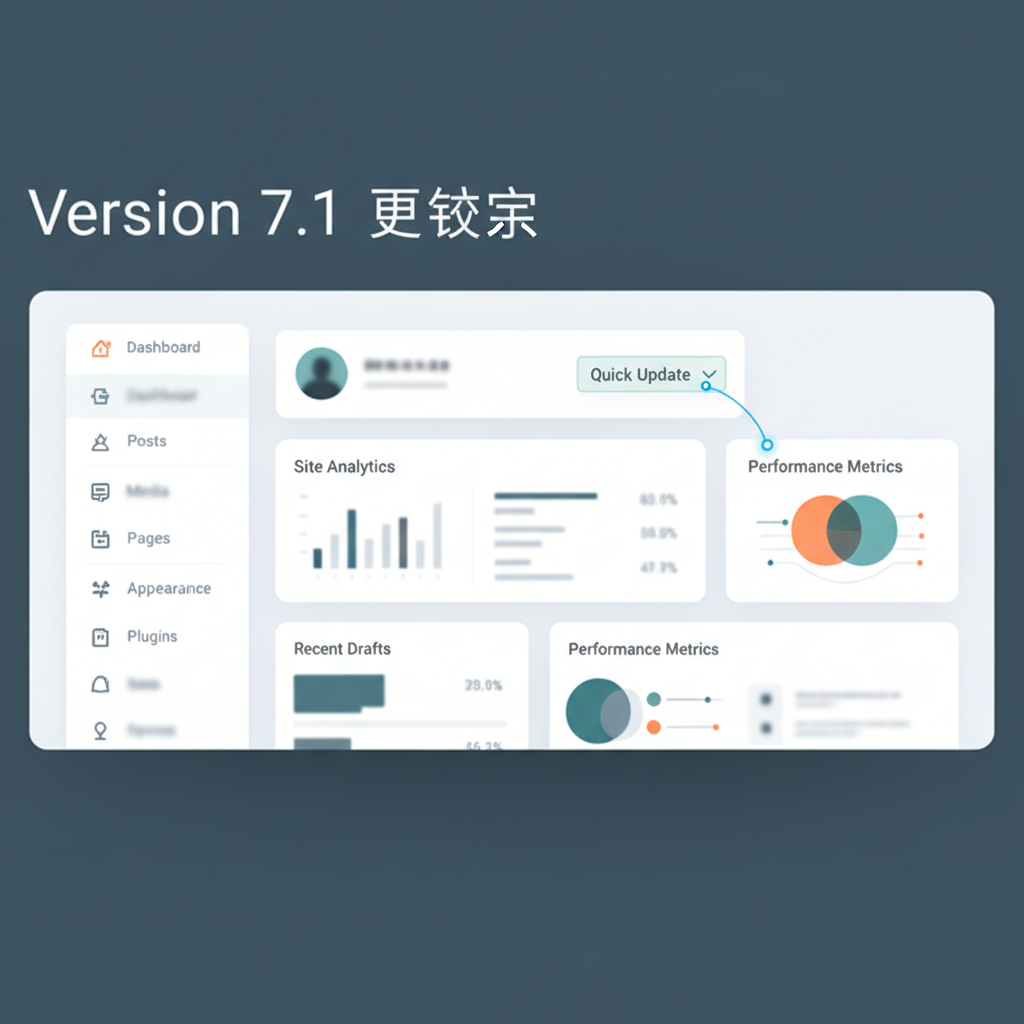
WordPress 7.1 ships today, August 19, 2026. While headlines focus on client-side media processing, a new Tabs block, and richer collaboration notes, those features are not what is most likely to break your site. The change worth checking before you update is a quiet HTML restructuring in the admin post list tables. This update fixes an accessibility bug that sat open for eleven years, and it can affect any plugin that adds buttons, badges, or columns to your Posts or Pages screen.
Table of Contents
The Eleven-Year Bug WordPress Finally Fixed
Screen readers navigating the WordPress admin post list have, for over a decade, announced each row using the checkbox’s label (“Select”) instead of the post title. This occurred because the row’s semantic header was assigned to the wrong table cell. According to Search Engine Journal’s coverage, a particularly bad case involved locked posts. The lock icon had no accessible label at all, so a screen reader user editing a busy site heard “Select All” and nothing else identifying which post they were on.
WordPress 7.1 fixes this at the markup level. The checkbox column changes from a <th> (row header) to a plain <td>, the post-title column becomes the row header with scope="row", and that header now carries an aria-label containing the post title. Collapsed responsive table cells also switch to a flex layout. This is an overdue accessibility fix and a change WordPress core rarely makes to markup this central without a strong reason.
Why This Specifically Threatens Plugins, Not Your Live Site
The risk here is narrow: any plugin that injects content into the admin post list by targeting the old <th>/<td> structure directly, rather than using WordPress’s documented manage_posts_columns and manage_posts_custom_column hooks, can lose its styling or placement once that structure changes. This is purely an admin-dashboard risk. A plugin breaking here does not touch what visitors see on your public site. It means an editor or admin logging in might find a column misaligned or a custom badge missing until the plugin ships a compatible update.
Search Engine Journal’s review specifically checked the major SEO plugins most WordPress sites run—Yoast SEO, Rank Math, and All in One SEO—and found them unlikely to break based on their existing code. That is a useful data point if your site relies on Rank Math for metadata (as most AllCloudHost-hosted WordPress blogs do). However, “unlikely” is distinct from “confirmed,” and any plugin adding its own columns or row actions to Posts, Pages, or a custom post type list requires a direct check.
Core Updates in WordPress 7.1 Beyond the Accessibility Fix
WordPress 7.1’s release candidate notes describe more than 145 fixes and updates since Beta 4, including 88 in Core and 57 in the block editor. Beyond the admin table change, the release adds a formal Icons API for registering icons and icon collections that plugins can extend. It also introduces environment-variable-based configuration for speculative loading (the mechanism WordPress uses to prefetch pages a visitor is likely to click next), email notifications when someone is @-mentioned in an editorial Note, and shareable links to specific post revisions for teams reviewing draft changes together. The bundled jQuery UI library moves to version 1.14.2, which matters if any older plugin or custom theme code depends on a specific jQuery UI version’s exact behavior.
On the editor side, client-side media processing performs image resizing, format conversion, and thumbnail generation in the visitor’s or editor’s browser using a WebAssembly-compiled image library, rather than tying up server CPU. That only works in Chrome and Edge 137+ on desktop. Safari and Firefox do not yet support the required WebAssembly pipeline, so editors on those browsers fall back to existing server-side processing without an error or warning. If your team edits primarily in Safari, the advertised performance gain will not apply until browser support catches up.
The Utility of the Tabs and Playlist Blocks
The new Tabs block groups content into switchable sections without a third-party plugin. This is useful for pages that currently rely on a page-builder add-on just for that interaction, such as a product page that separates description, specifications, and shipping info, or an FAQ page organized by topic. Moving that specific interaction to a core block reduces plugin dependencies and potential conflict points during future core updates. The Playlist block, aimed at embedding audio with a customizable waveform, serves a narrower fit.
It is useful for a podcast archive or an audio-course product page, though most small business or e-commerce sites will not need it. It is worth knowing it exists before installing a third-party audio plugin for a simple embed, but it is not a reason to update on its own.
Shareable Revisions and Team Collaboration
For any site with more than one person editing content (an agency managing a client’s blog, or a small business with a marketing hire and an owner both touching pages), the ability to link directly to a specific post revision is a small feature with a large practical effect. Reviewing a draft’s edit history currently means describing which version you mean in a message or email. A direct link to that exact revision removes ambiguity, and combined with the new @-mention notifications on editorial Notes, it closes a gap for teams that previously relied on screenshots or external documents to coordinate WordPress content review.
A Practical Pre-Update Checklist
Before you update a live site, particularly one running custom-built plugins or a heavily customized admin dashboard:
- Audit plugins that touch the Posts/Pages list screen. Anything adding a custom column, a quick-action link, or admin-list styling via CSS/JS selectors carries risk, unlike general-purpose plugins like caching or backup tools.
- Check each flagged plugin’s changelog for an explicit WordPress 7.1 compatibility note before updating WordPress core.
- Test on staging first, especially if you or your team rely on screen readers or other assistive tech, to confirm the fix improves your experience.
- Note browser limitations for media processing. Safari and Firefox editors will not receive the Chrome/Edge-only speed boost for image workflows.
- Back up before updating. Back up both database and files so any plugin conflict can be resolved quickly.
Considerations for Sites Still on WordPress 7.0.x
Sites that skipped 7.0.2 through 7.0.4 are missing point-release bug fixes and security patches independent of the 7.1 feature work. Jumping straight from an older 7.0.x release to 7.1 in one step is generally safe on a standard WordPress install, but it means absorbing several releases of changes at once. If your site runs custom code or older plugins that lack active maintenance, updating through a staging copy first allows you to catch compatibility issues that a straight jump to 7.1 might surface in production.
The Role of Managed Hosting
Managed WordPress hosting provides staging environments and automatic pre-update backups that make testing an update against your specific plugin list straightforward. If your current plan lacks a one-click staging copy, you should weigh that absence against the time cost of manually verifying plugin compatibility on core releases.
Key Takeaways on WordPress 7.1 and Your Plugins
- WordPress 7.1 fixes a long-standing editor bug, and the change is what can affect older plugins.
- Before updating to WordPress 7.1, run through a short compatibility checklist on a staging copy.
- Keep backups ready, because WordPress 7.1 plugin conflicts are easiest to undo when you can restore quickly.