
Shared hosting vs VPS compared honestly: real price ranges, what each actually gives you, and how to know which fits.
Table of Contents
Slow-loading pages frustrate visitors and push them toward competitors, and the hosting tier underneath a site is a real factor in that, not just a line item. Shared hosting and VPS differ in cost, performance, and control, and moving from one to the other is a more approachable move than it sounds.
Shared Hosting vs VPS: How the Tiers Actually Differ
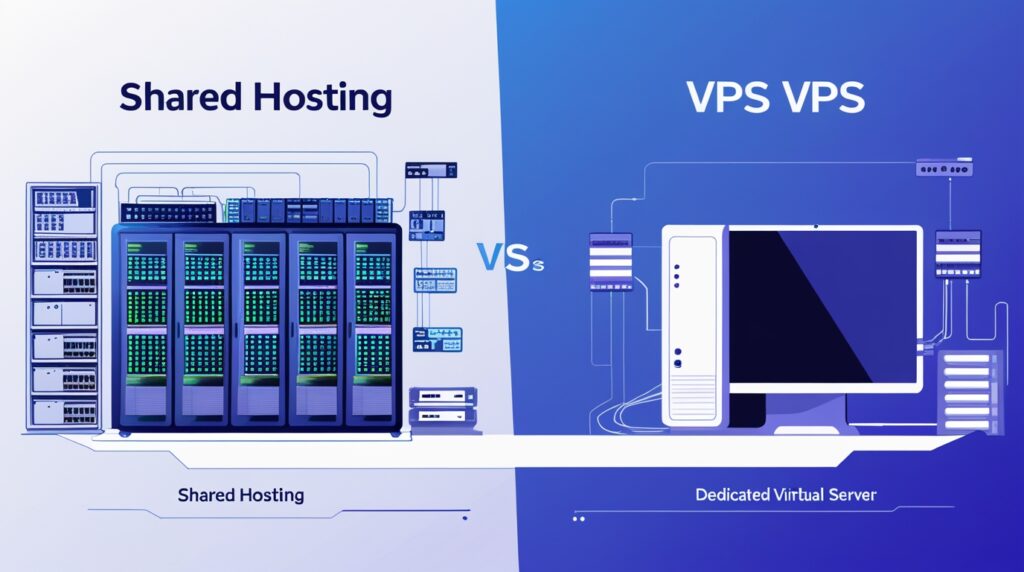
With shared hosting, multiple sites split the same server’s CPU, RAM, and bandwidth. Plans typically include a control panel, one-click installers, and support, and the tradeoff is that another account’s traffic spike can affect your own site’s load times, since you’re drawing from the same shared pool. A VPS partitions a physical machine into separate virtual servers instead, each with its own dedicated CPU cores, RAM, and disk space, so another VPS on the same physical hardware doesn’t compete with yours for those reserved resources the way shared hosting does.
Root access on a VPS also means real configuration control that shared hosting’s control panel doesn’t expose. Past VPS, a dedicated server hands over the entire physical machine, the highest performance and control tier, and the highest price and administration responsibility to go with it.
What Actually Determines When to Move Up
There’s no fixed visitor count that cleanly separates these tiers, that depends heavily on what the site is actually doing (a static brochure page and a database-heavy store behave very differently at the same traffic level), not just how many people show up. The more reliable signal is watching actual load times and resource usage on the current plan: pages that slow down noticeably during normal traffic, not just rare spikes, is a better upgrade trigger than a specific visitor-count milestone borrowed from a generic guide.
What This Costs on a Real Lineup
AllCloudHost’s shared hosting starts at $3.99/mo (Starter, 1 site) and runs up to $11.99/mo (WordPress Pro, unlimited sites), with unlimited storage and bandwidth, daily backups, and free SSL across every tier. KVM VPS starts at $15/mo (2 cores, 4GB RAM) and scales to $102/mo (8 cores, 32GB RAM) across four tiers, RAM doubles at each step while CPU cores scale up more gradually; AllCloudHost also offers OpenVZ VPS as a separate virtualization option from $17 to $68/mo across three tiers. The current in-stock dedicated server option runs $85/mo for a 4-core Xeon E3 v5 with 16GB RAM.
What to Actually Watch For
CPU consistency is the real shared-hosting risk, a neighboring account’s spike can throttle your own site’s response time even though nothing changed on your end. On VPS, confirm whether the plan allows short-term resource bursts above the baseline allocation, and whether upgrading a tier is a quick resize or something closer to a migration. Whichever tier you’re on, factor in optional extras (a control panel license, additional backup retention) as part of the real total cost, not just the advertised base price.
Planning an Upgrade Without Downtime
Track actual load times, resource usage, and traffic on the current plan first, so the case for upgrading is based on a real, measured gap. Back up the site fully, provision the new plan, test it before cutting over if the host supports a staging setup, and switch DNS during a low-traffic window rather than treating the move as instant. If you outgrow a VPS eventually, the VPS vs dedicated server comparison covers that next step in the same level of detail.
Quick Recap
Start with shared hosting while a site is small and its resource needs are modest, and move to VPS once actual load times or resource usage on the current plan show a real, sustained gap, not because of a generic traffic milestone. Dedicated is worth considering once VPS itself is the bottleneck, which for most sites is a later problem than the initial shared-to-VPS decision.
Key Takeaways on Shared Hosting vs VPS
- Shared hosting vs VPS comes down to how much isolation and control you need.
- Move up from shared hosting vs VPS when measurements, not guesswork, show you have outgrown your plan.
Further reading: Red Hat: what is virtualization?.