
A fake ChatGPT tool called “Plus 5.6” sat at the top of Google’s search results for weeks, built as a Custom GPT and promoted through paid Google Ads, before security researchers at Huntress traced it to at least 40 real victims. The Hacker News’s report on Huntress’s research documents exactly how it worked, and the technique at its center, called ClickFix, isn’t specific to ChatGPT at all. It’s a general pattern worth recognizing on sight, because it’s showing up across a growing number of unrelated lures, and the version that used ChatGPT’s own platform is simply the most recent, and most convincing, example of it.
Table of Contents
How the attack actually unfolded
The Custom GPT, named “Plus 5.6”, posed as an upgraded version of ChatGPT itself, which made it easy to mistake for something official. When a victim interacted with it, the GPT responded to any prompt with a manufactured “Service Availability Notice,” claiming the main ChatGPT domain was experiencing issues and directing the user to a backup domain hosted on Google Sites, a legitimate Google product that made the redirect itself look unremarkable. OpenAI removed the malicious Custom GPT on September 25, but a second one using the same technique appeared within two days.
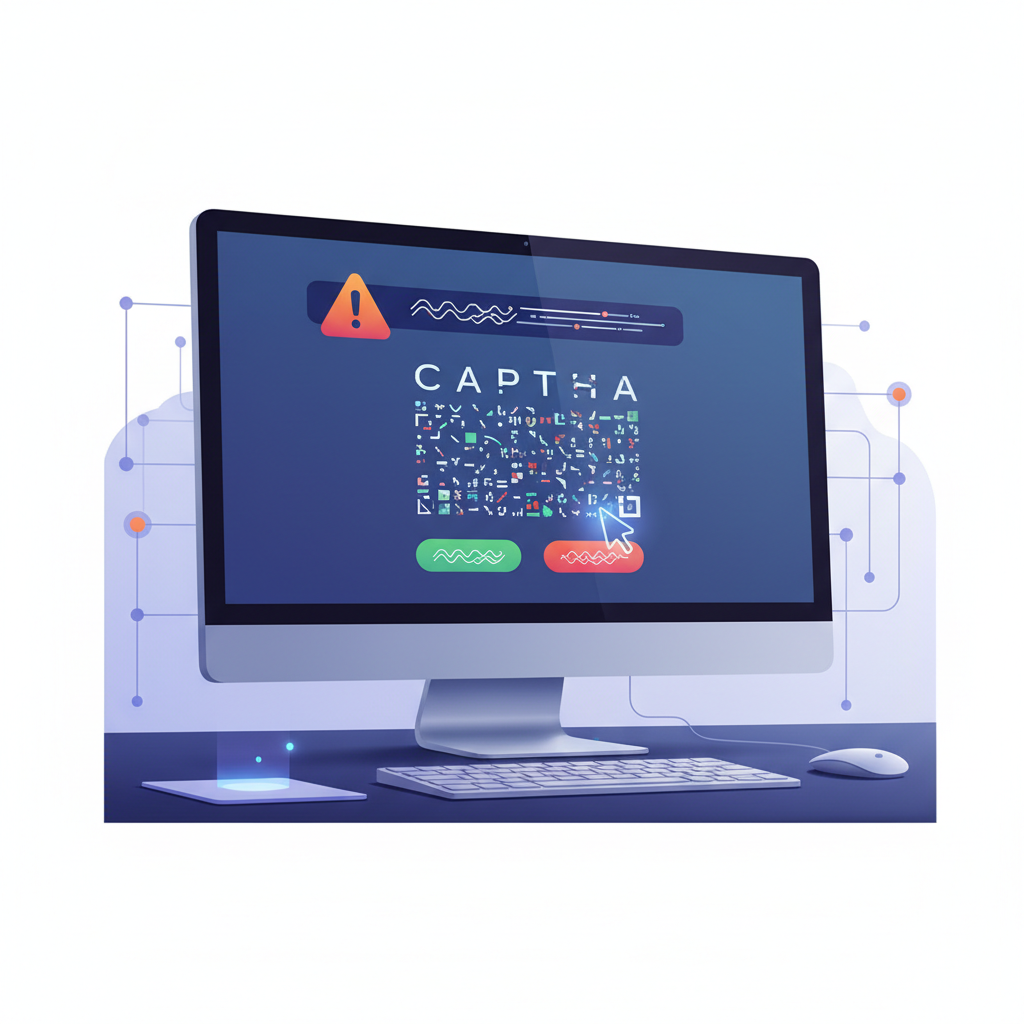
That Google Sites page is where the actual attack began. It displayed a fake Cloudflare CAPTCHA verification screen, visually convincing because real Cloudflare CAPTCHAs are an extremely common, trusted sight across the web. Instead of the usual “click to verify you’re human,” the fake version instructed the user to copy a specific command and run it as a PowerShell command. Victims who followed that instruction triggered an eight-stage attack chain ending in a fully capable remote access trojan running on their machine, with monitoring of antivirus status, camera and microphone capture, remote desktop access, and file search-and-exfiltration capabilities all built in.
Why ClickFix works when a traditional malicious download wouldn’t
Most people have internalized, at least vaguely, that downloading and running an unexpected .exe file from an unfamiliar website is risky. ClickFix routes around that instinct entirely by never asking the victim to download anything in the conventional sense. Instead, it asks them to copy a short command and paste it into a terminal or run dialog themselves, framed as a routine verification step rather than a software installation. The victim is the one physically pasting and executing the command, which means there’s no executable file prompting an antivirus scan or a browser download warning at the moment it matters most.
The entire mechanism depends on a fake CAPTCHA or fake error message looking enough like something legitimate that copying and pasting a command feels like compliance rather than risk.
That’s also why this pattern keeps reappearing across unrelated campaigns rather than being a one-off technique tied to this specific ChatGPT incident. The same fake-CAPTCHA, paste-this-command structure has shown up attached to fake browser update prompts, fake document-viewer error messages, and now a fake AI tool notice. The lure story changes every time. The underlying mechanic, get the victim to paste and run a command themselves, doesn’t.
The recognition rule that matters more than any specific example
The single most useful thing to internalize isn’t “watch out for fake ChatGPT tools” specifically, since the next version of this will use a different disguise entirely. It’s a simple, durable rule: a legitimate CAPTCHA, a legitimate software update, and a legitimate error message never ask you to open a terminal or run dialog and paste in a command. That action, specifically, is not something any real verification system has ever legitimately required, in any product, from any vendor. If a webpage is asking you to do that, the specific story it’s telling you to justify the request doesn’t matter. The ask itself is the signal.
Beyond the DNS evasion technique noted in the research, where the malware used DNS-over-HTTPS through public resolvers specifically to avoid showing up in local DNS logs, the attack chain doesn’t rely on any specialized hacking skill from the victim’s side. It relies entirely on the victim trusting the story enough to run one command, which is exactly why the recognition rule above is more valuable than any technical countermeasure a small business could realistically deploy.
What to tell your team, in plain language
If your business doesn’t have a dedicated security training program, a single, memorable instruction gets you most of the real-world protection here: never copy a command from a website and paste it into Terminal, PowerShell, or a Run dialog, regardless of what the page claims is wrong or what it says will happen if you don’t. That instruction covers this specific incident, every prior ClickFix campaign using a different disguise, and whatever disguise the next one uses, because it targets the one consistent action every version of this attack needs the victim to perform.
It’s worth pairing that instruction with a concrete, low-friction escalation path: if an employee hits a page that asks for this and isn’t sure whether it’s legitimate, who do they actually message, and how quickly. A rule that exists only as a policy document nobody remembers under time pressure is weaker than a rule paired with an easy, specific next step. Running a single five-minute team walkthrough of what a fake CAPTCHA page actually looks like, side by side with a real one, tends to stick better than a written policy nobody reads until after an incident.
Verifying you’re using the real thing
Beyond recognizing the ClickFix pattern itself, the specific incident here is a reminder that a tool’s ranking in search results, even with paid promotion behind it, says nothing about its legitimacy. Security researchers covering this campaign note that a convincing fake, complete with paid promotion, sat at the top of real search results for weeks before being taken down, which means a search-result position is not a trust signal on its own. Reaching AI tools directly through the vendor’s own site rather than through whatever link appears first in a search result or ad is a simple habit that would have prevented this specific campaign from working at all, regardless of how convincing the fake listing itself looked.
The broader takeaway for anyone running a small business online
Security awareness training for small teams tends to focus on phishing emails and suspicious attachments, both still real risks, but ClickFix represents a distinct category that a lot of standard training doesn’t cover at all: social engineering that convinces someone to actively execute an attack against their own machine, using words rather than a malicious file. Updating whatever security guidance you already give your team to specifically name this pattern, rather than assuming general phishing awareness covers it, is a genuinely useful five-minute addition worth making this week rather than waiting for the next version of this attack to use a disguise your team hasn’t been warned about yet.
Related reading: Cloudflare Finally Fixed Certificate Transparency Alert Fatigue.