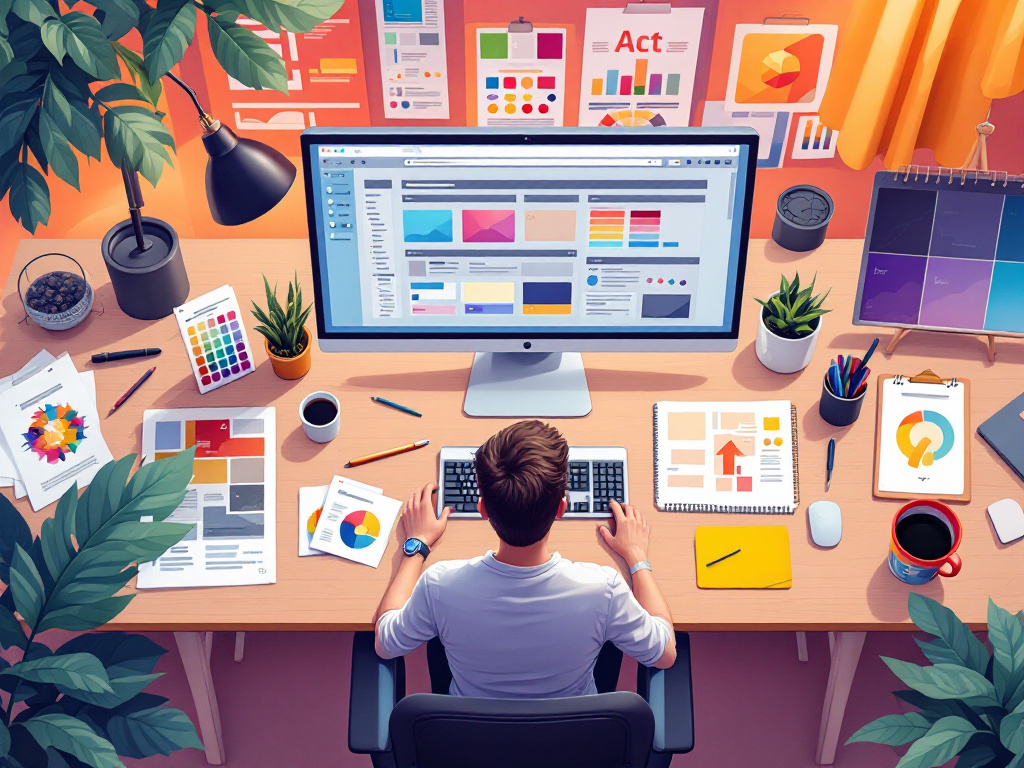
You know that first impressions matter and in today’s crowded market, compelling visuals can make or break a sale. A 2024 report from Venngage shows that 40 % of marketers name visual content as their top priority (Venngage). Good news, with AI art tools like Midjourney you can generate professional-grade graphics in minutes.
By following these commercial graphics design tips, you’ll create on-brand images faster, freeing up hours to focus on strategy and growth.
define your brand vision
Before you dive into AI-driven design, clarify what makes your business unique. A solid vision guides every graphic you create and keeps your visuals consistent across channels.
- Identify your audience. Pinpoint their age range, interests, and pain points. When you know whom you’re talking to, you can choose visuals that resonate.
- Establish your tone. Are you playful, professional, or minimalist? Jot down three adjectives that capture your brand’s personality.
- Build a mood board. Assemble examples of:
- Color palettes (primary and accent hues)
- Typography styles (serif, sans-serif, display)
- Imagery qualities (illustration, photo-realistic, flat icons)
- Create simple guidelines. Note your logo placement, safe zones, and any “must-use” elements for social, email, and web.
Once you have these building blocks, every prompt and design tweak feels purposeful instead of random.
craft effective AI prompts
Your prompt is the blueprint that tells Midjourney what to generate. A clear, structured prompt cuts down on trial and error.
- Start with the subject.
“Modern coffee shop interior” or “sleek tech product mockup” - Add style keywords.
“flat illustration,” “photorealistic,” or “vibrant vector” - Include composition details.
“centered logo space,” “rule-of-thirds layout,” “white background” - Specify aspect ratio and resolution.
Use--ar 16:9for banners or--ar 1:1for Instagram posts - Refine with parameters. See examples below:
| Parameter | Effect | When to use |
|---|---|---|
--stylize 250 |
More artistic, abstract results | Mood boards or concept imagery |
--stylize 50 |
Tighter, design-focused output | Brand assets, UI mockups |
--quality 2 |
Higher detail, longer render | Print materials or high-res web graphics |
--no text |
Removes unwanted text elements | When you’ll overlay your own copy or logos |
Good news, you don’t need perfect prompts on the first try. Start broad, review the outputs, then tweak style tags or composition notes until the look aligns with your brand vision.
refine visual composition
Even AI-generated images benefit from classic design principles. A balanced layout guides your viewer’s eye and highlights your message.
- Embrace the rule of thirds. Divide your canvas into a 3×3 grid and place focal points along the lines or intersections.
- Establish hierarchy. Use size, contrast, and color to make the most important element stand out first.
- Align elements consistently. Whether you center-align text or create a left-justified layout, consistency feels professional.
- Leave breathing room. Aim for 10–20 % negative space around key visuals (that prevents clutter and improves readability).
- Choose a limited palette. Stick to two primary colors plus one accent hue from your mood board to maintain cohesion.
If you’re unsure about spacing or balance, overlay grid guides in your design tool, or ask a colleague for a quick review—fresh eyes catch misalignments fast.
automate asset production
Once you’ve nailed your prompts and composition rules, it’s time to save hours by batching your work and organizing assets.
- Batch generate variations. In Discord, copy your prompt and adjust one parameter at a time (for example, swap
--ar 16:9with--ar 4:5) to get multiple sizes in one session. - Use consistent file names. Adopt a simple convention like
CampaignName_Size_Date(PromoA1080×10802025-10-20.png) so you can find assets instantly. - Leverage folders and tags. Group images by campaign or platform (email, social, web) and tag them in your asset manager for quick retrieval.
- Integrate with your tech stack. Many marketing tools let you upload libraries directly—link your AI asset folder to Canva or your email builder for one-click access.
- Stay on top of trends. For fresh inspiration and color palettes, check out our roundup of commercial graphic design trends.
By systematizing your workflow, you’ll spend less time hunting for images and more time crafting campaigns that convert.
quick recap and next step
- Define your brand vision with clear audience, tone, and mood board elements.
- Craft AI prompts that specify subject, style, composition, and parameters.
- Refine layouts using design basics like hierarchy, balance, and white space.
- Automate production by batching renders, naming files consistently, and syncing with your tools.
Pick one tip to try today—maybe building that mood board or experimenting with --stylize settings—and watch your visuals (and your free time) grow. You’ve got this.